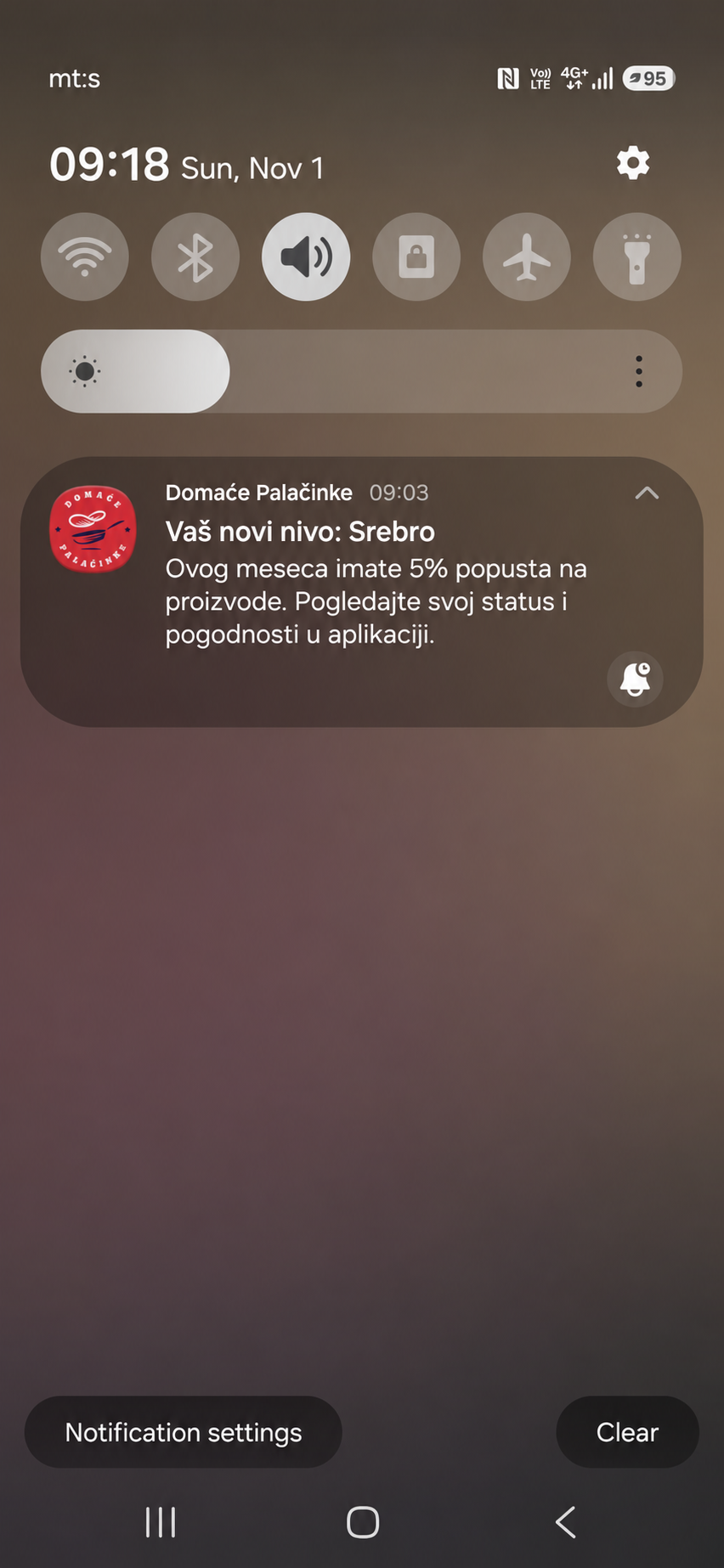
Loyalty messages
Let customers know their current loyalty tier, earned benefits and what comes next - and give them a reason to return.
Push notifications
Push notifications help restaurants tell selected customers about loyalty tiers, discounts, promotions and useful reminders.
Let customers know their current loyalty tier, earned benefits and what comes next - and give them a reason to return.
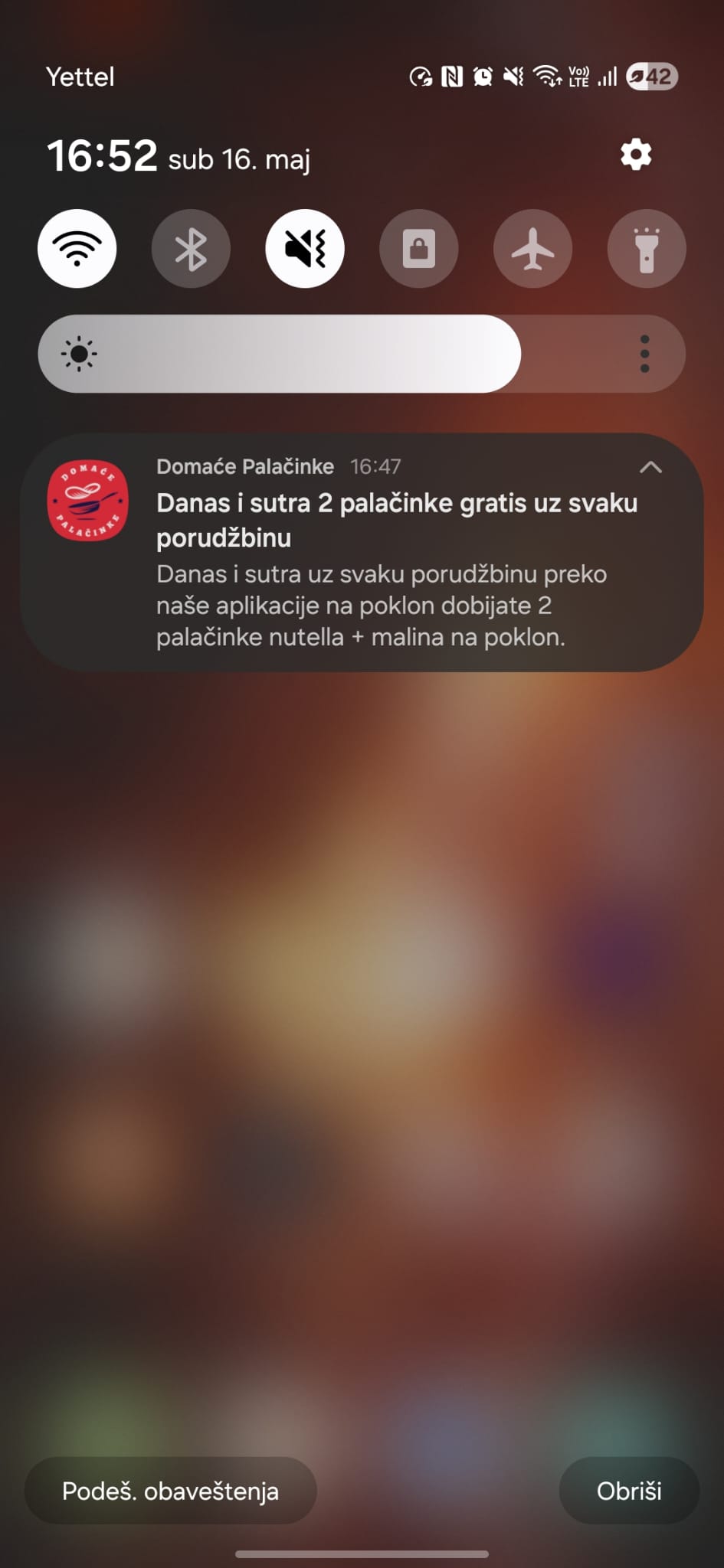
Tell customers directly about current offers, special deals and seasonal promotions.
Group customers by number of orders, average basket value, purchase frequency and time since their last order.
Key benefits
Prepare a message in advance and send it when you choose.
Target the customer group most relevant to your message.
Messages reach customers directly on their phones.
Timely messages remind customers of your offer and encourage them to return.
Book a Progrest demo and see how to tailor messages to your customers.
Book a demoFREQUENTLY ASKED QUESTIONS
The restaurant can send you notifications about offers, special benefits, new products on the menu and other important news.
In the app, go to “Account → Settings → Enable push”. If your phone asks for permission to send notifications, select “Allow”.
Check that you have enabled push notifications in the app and allowed the app to send you notifications in your phone’s settings.
Here you can enable or disable Google Analytics and Meta Pixel for measuring site usage and ad performance. You can send an enquiry with tracking disabled. Privacy policy